
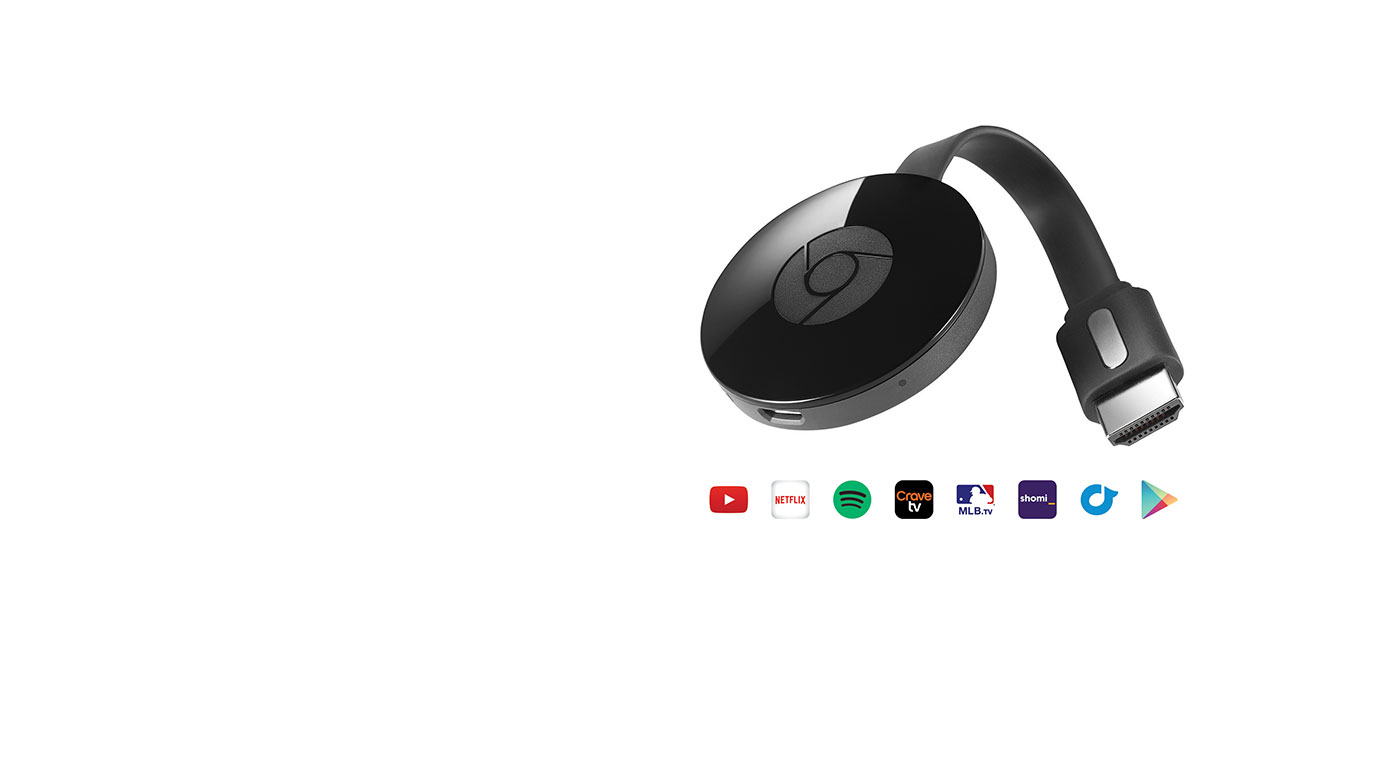
A WHOLE WORLD OF CONTENT IS WAITING FOR YOU
Chromecast is an easy-to-use HDMI media streaming device that plugs into your TV, letting you cast content from your smartphone, tablet, or laptop. Mirror your own content1 or get access to hundreds of games, shows, movies, and songs from hundreds of apps, including: Spotify, YouTube, and Netflix.2
Chromecast is super easy to set up with just three steps. It works with devices you already own, so all you have to do is plug it into the HDMI port on your TV, connect to your home Wi-Fi network, and start casting.
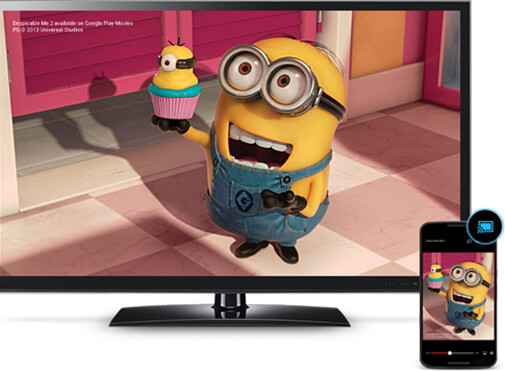
CAST WITH ONE TAP AND TURN YOUR TV INTO A SMART TV
With Chromecast your phone is your remote, giving you one-tap access to the best content, including songs, shows, movies, as well as games. Control is easy with devices such as your phone. Just tap the Cast button from supported mobile apps that you already know and love to watch your favourite content on the big screen. Your controls are all in the palm of your hand, allowing you to search, browse, queue and control from anywhere in the home.
Turn your TV screen into a game board, racetrack, dance floor or trivia quiz. With Chromecast, everyone can play games using their phone as their personal controller, while watching the action live on the big screen.
HUGE LIBRARIES PUT EVERYTHING YOU LOVE ON YOUR TV
With Chromecast you can access your favorite TV shows and movies when you want. Simply find what you love on Cast-enabled apps such as Google Play and Netflix, and enjoy unlimited entertainment on your schedule.2
You can discover hundreds of apps at chromecast.com/apps, giving you access to live radio, sports and games. Choose from more than 30 million songs from popular music services like Google Play Music, Spotify and TuneIn Radio. With Chromecast, there’s always something to watch, listen to, or play.
When you’re not casting content, you can turn your TV screen into a dynamic piece of art. Customize your TV screen with social moments from Flickr and Facebook, or personal photos from Google Photos.
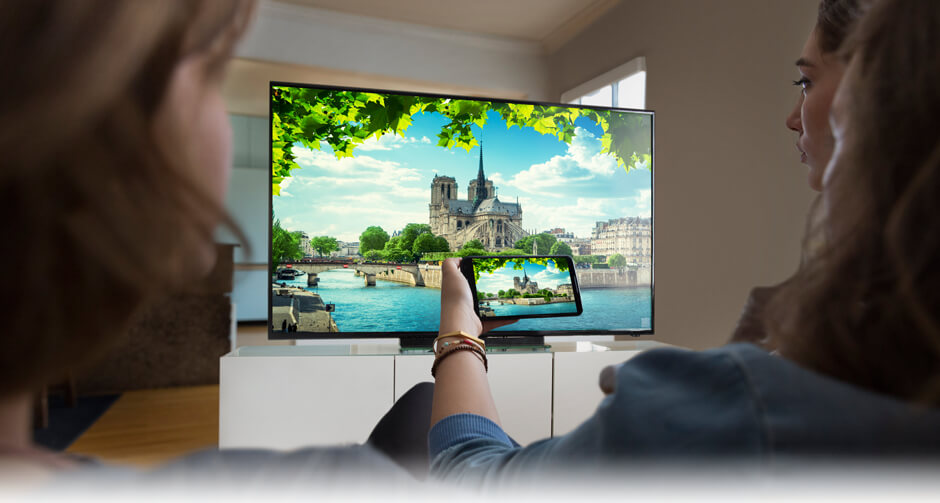
MIRROR YOUR ANDROID DEVICE OR CHROME BROWSER
Even non-Cast enabled apps can be a part of your Chromecast experience with mirroring. Available from your Android Device1 or from any Chrome browser tab, you can display exactly what’s on your device screen up on your television. Browse the web, read articles, stream video or audio, and enjoy the big screen experience now bigger than ever.
1 Mirroring is available on most Android devices. More information is available on the Chromecast help centre.
2 Subscriptions may be required for use with certain content providers. Casting optimized for selected apps only. Requires Wi-Fi (802.11ac/b/g/n). Chromecast is compatible with Wi-Fi-enabled Android 4.0.3+ smartphones and tablets; iOS 7.0+ iPhone®, iPad® and iPod®; Chrome for Mac® OS X 10.7+; Chrome for Windows® 7+; and ChromeOS. Chromecast requires HDTV; Chromecast Audio requires speaker with AUX, RCA or optical digital input.

Can I watch Amazon video with Chromecast?
Can I get Amazon prime video with Chromecast?
Hi Jill,
I sent your question to the home theatre team at Best Buy’s head office and they sent this reply
Currently Amazon prime is not compatible with the cast functionality.
Best regards,
Martin
I am currently using Amazon Prime Video with Chromecast. I have a computer with the Chrome browser installed and start up the Amazon Prime Video on the computer and then use the “Cast” feature of the Chrome browser to cast the video stream to the Chromecast device that is plugged into the TV. It’s a bit tricky to find the “cast” feature so research that on the Internet, but once you know where it is, it is very simple to start it.
In other words, Amazon Prime is running on the computer and I’m using the cast feature of Chrome to get the video from the computer to the Chromecast device. This is different than other video sources (e.g. Netflix) which actually run on the Chromecast device.
Hi John, I have Prime video on my phone and the cast button is very obvious. I cast to the Chromecast plugged into my TV and it is very simple to control from my phone.
best regards,
Martin
Why can i not use my Chrome cast to watch Bell Fibe TV on my phone casted to my TV using Chrome cast
Hi Keith,
I sent your question to the home theatre team at Best Buy’s head office and they sent this reply
Please check with your service provider if Bell Fibe TV has a cast functionality built into the App.
Best regards,
Martin
Can one install Google Chromecast on a Windows 10 laptop? If so, where can one download the Google Home App?
Hi Stan,
I sent your question to the home theatre team at Best Buy’s head office and they sent this reply
Chromecast can be plugged into your laptop if you have an HDMI port. All available apps can be found on the Google play store
Best regards,
Martin
that is just amazing way to turn a tv into smart tv with the help of google chromecast .it is very easy to use and has lots of features in it.
Comments are closed.