
Streaming TV is about to get a whole lot better. The all new Chromecast with Google TV is designed to bring you the entertainment that you love, with super-fast streaming in up to 4K HDR1. The new Chromecast with Google TV can share personal recommendations from all your streaming service subscriptions2 including movies, TV shows, Netflix, Disney + and more—all in one place. No more jumping between apps to surf what to watch. Chromecast can curate your favourite shows, movies and entertainment for you all in one place. Plus, with its compact and handy remote, you can make changes in a snap without needing your smartphone—or just use your voice.

Super fast streaming in glorious 4K
A streaming system is only as good as its speed, so Chromecast with Google TV is made to deliver fast streaming, alongside a crystal-clear picture in up to 4K resolution1. Plus you’ll see brighter colours with HDR.
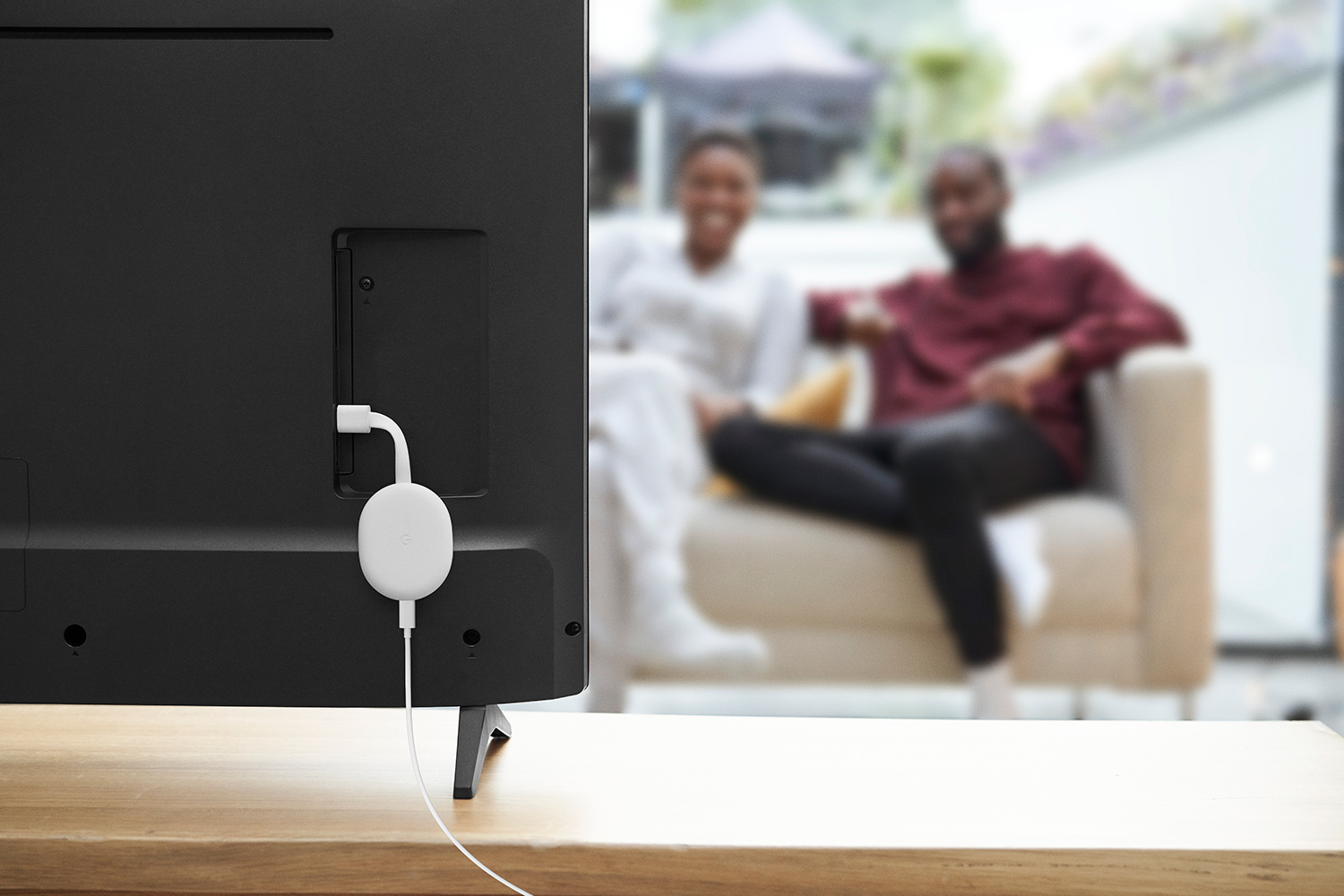
The compact size of Chromecast with Google TV belies its power; it can hide almost anywhere and stay easily out of sight, but it has all the streaming power you need.
Talk to your TV and let it serve you
Chromecast with Google TV has the power of the Google Assistant built in3. That means you can ask it literally anything from simple commands like turning the TV on or off, or adjusting the volume, to more complex demands you never dreamed were possible. Get Google to control your smart home, start your grocery list, or add Good Girls to your new “must-watch” list.
Sometimes you need the convenience of a remote. The all new Chromecast with Google TV comes with an ultra-compact remote control so you have everything you need at your fingertips. Just press the Google Assistant button on the remote and use voice search to find specific movies and shows. Or search by mood, genre, actress, and more. Plus, you get personal suggestions based on your subscriptions, viewing habits, and content that you already own.
Easy set up; easy to use
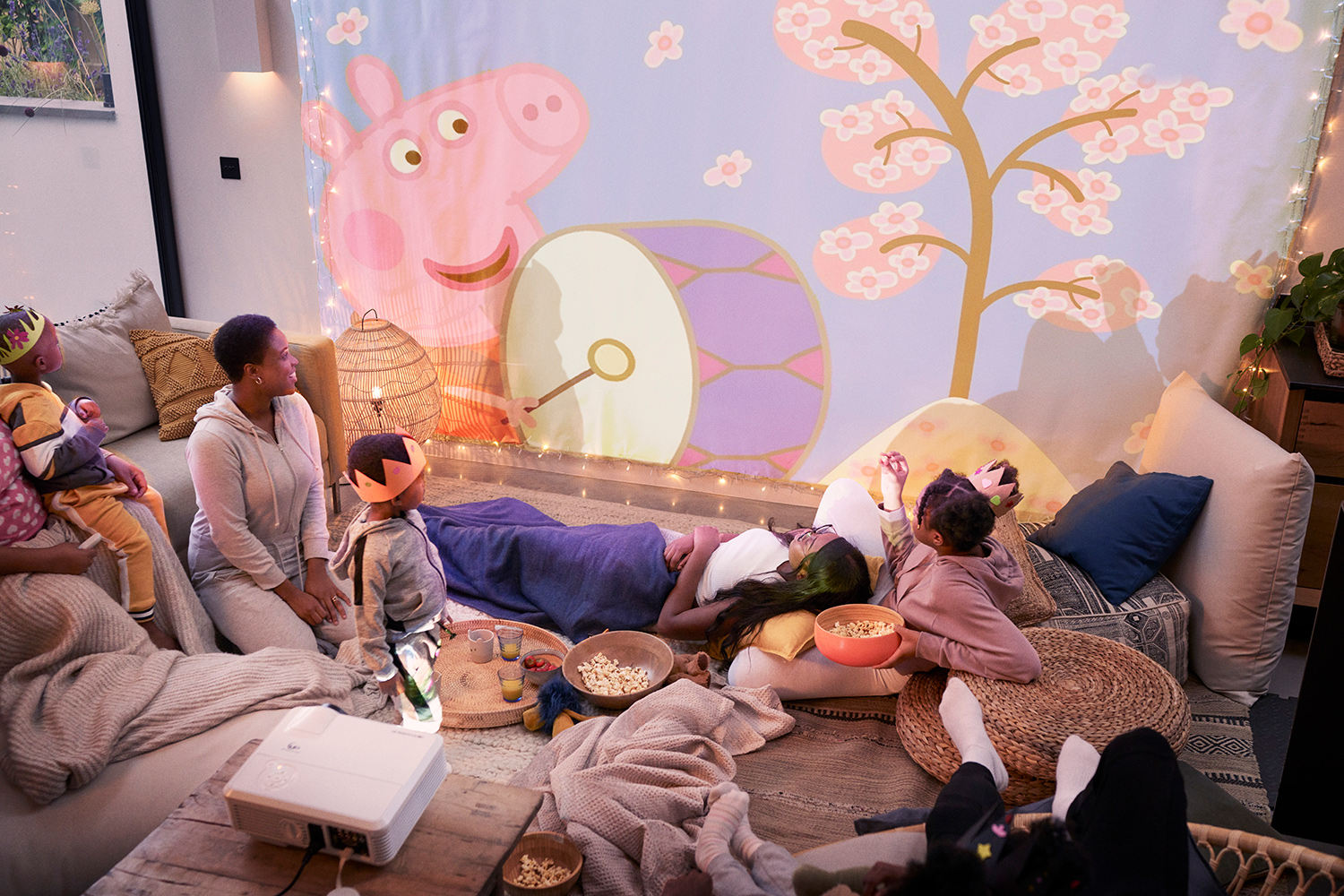
Streaming devices should be easy to use—for everyone in the family, whether that’s the kids or grandparents. Chromecast is compatible with almost any TV that has an HDMI port. Just plug it in, connect to Wi-Fi, and start streaming.
If you’ve ever tried to explain streaming channels to someone who’s not tech-savvy, you know it can be complex for some. With Chromecast with Google TV, your home screen keeps everything simply organized and easy to find at a glance; the home screen displays movies and shows from all your services in one place—including Netflix, Disney+, and more. No more switching between apps to decide what to watch.
1 Chromecast with Google TV requires a TV with an HDMI port, a Wi-Fi network, a Google Account, a nearby electrical socket or USB port, and a compatible mobile device. Minimum OS requirements are available at g.co/cast/req. To view content in 4K, a 4K-capable TV and reliable broadband Internet connection are also required.
2 Subscription services may be required.
3 Google Assistant registration required.
Ready to take the next step?





I like the remote and new user interface.
Love how easy Chromecast’s are to use! The remote makes it even better. Can’t wait to stream more Netflix, Merry Christmas to me!
Looks amazing
My chromecasts are amazing products. Can’t wait to take it to the next level with this new version that has a remote control.
Awesome, finally support for 4K, Dolby Vision, HDR and most importantly Dolby Atmos under the same package! A small package that delivers!
I liked that most apps are in one place and easy to use!
Have a TV and Nvidia Shield with chromecast built in. Would love one in the bedroom so we can watch our home videos in bed.
This is going to be the best Chromecast yet. I love streaming stuff from Netflix and Disney Plus, but the new Google TV interface will make searching for content much easier than browsing by app.
Easily the best streaming device you can get now! I love the design and can’t wait to try out the remote and the improved interface!
I had pre-ordered one just to try out, and am loving it! I consider it more an android TV with Chromecast support though and have used it 95% from the remote, so far. Was planning to get a second for the other TV, so…
Ordered one for my one tv from Best Buy would love to win a second for my other tv.
I love that it now has a remote and (even though hidden from the sales page) that it can work with Ethernet instead of unreliable wifi. I’ll stream my favorite movies from Spain.
Love you have all streaming services at your finger tips in one convenient package! I would love to see all the classic musical I watched as a kid… sound of music, wizard of oz etc!
Thanks for the chance to win!!
I love streaming family photos on our television! And I can wait to use A proper user interface!
Even though I am still in love with my old Chromecast, can’t wait to see what the newest model brings.
I’m super looking forward to 4k and the new remote. I’d stream a lot of kids shoes during the day, then 4k action movies after bedtime!
Mine broke so I would love the new one to stream YouTube on my TV. I miss it so much, much faster than my TVs “smart” features.
One of the great uses of the Google Chromecast is when we go on holiday. It is easily portable and allows us to connect to services without having to enter in our passwords since we can cast from our phone. Looking forward to Netflix on the road.
I would to have remote specific to control. Sometimes it is hard to explain to my kid that you need to use your phone to control it previously.
A pretty good deal
Looking to use this to have my Google photos play on the big screen!
I’d like to play plex and all other streaming apps like Netflix amazon prime
Picked up the new Chromecast yesterday. I like having access to Plex, Disney, Netflix, prime all in one place. The remote is great too.
Love that it can be used with both a phone, tablet, computer, voice assistant and now with a remote. The other exciting development is that it can be streamed directly from the Chromecast without having to go through another device. Looking forward to watching Netflix or Amazon Prime. I have the original Chromecast which is really showing its age. Would really appreciate the upgrade!
I love the way Chromecast help to see movies on an old tv
Would love a new Chromecast with Google tv!
Looking forward to get one of this. Been a big fan of Chromecast for a long time
Would love to finally be able to watch shows not on my small screen device and bring life back to my good, yet, old unsmrt tv!
It’s so easy to find the favourite movies of my daughter from my phone and stream to large screen. All that I was experience from my friend
What I love most about the new chromecast is the personal show selections from across all the different services. No more bouncing between apps deciding what to watch! Excited to watch the new marvel shows on disney plus soon!
The new Google TV chromecast looks really interesting
Need to get more of these they are amazing
I love the ease of use of a chromecast and how it is pretty much universal in its support. If I win I’m going to stream Superstore!
I’d like it to be able to play h265 videos.
Got my new Chromecast yesterday and I LOVE it. The remote is hands down the most comfortable in hand, and the button is the best in the competition. And I have had apple tv, Roku, and amazon stick before.
I would love to have all streaming services in one place so I can start binge streaming the mandalorian to get ready for session 2
I love that I can stream from my tablet to tv. I would like to stream Disney +.
All streaming services in one place!
Having a remote to finish off streaming The 100!
Can’t wait to have a run at the new OS and have a whole new level of control on screen with the new Chromecast! If I won the contest I would be as excited as I was the day I brought home the very first Gen 1 Chromecast!
Love to do some cloud gaming on it. And the remote is a big plus.
I’m waiting to replace my Firestick with the new Chromecast with Google TV for a better integration with my other Google devices. What I love in this version is the integration of google assistant and the new remote. Even if I’m ditching the firestick still will be watching the boys on the new Chromecast 🙂
The remote!!
Chromecast makes entertaining my kids extremely easy with all kinds of educational videos!
I have chromecasts since the first gen, in fact I pre-ordered the first one and I love how simple and straightforward the device is. It’s easy to use and simply work.
I love easily being able to watch YouTube and Netflix on my TV using Chromecast. I’m excited for the new remote and the Google assistant.
Looks like a wonderful gadget
I love having my Google Photos on my big screen – it ensures there’s always something to talk about when we have (had) guests over!
I am liking what I see on the Google TV integration!
Love Chromecast, wanted a replacement for firetv and Chromecast in one device! Can’t wait to stream Amazon Prime videos!
I love the ease of use of the Chromecast, and I can’t wait to stream Daredevil on Netflix AGAIN lol
Having a remote would be so nice! I have an older one so know I’d enjoy this upgrade!
Comments are closed.